
A script in, an explainer reel out
No camera and no recording. An AI voice reads your script, and SpliceReel draws the reel around it: the sentence building word by word, a chapter strip, a motion card for every line and, if you want one, a cartoon presenter that points, thinks and cheers along with the voice.
Read the guide: Make explainer reels without a camera: narrated videos with an AI voice in SpliceReel →Made with SpliceReel
Ten finished videos, each made from a script and an AI voice: no camera, no editing by hand. Tap one to watch it in full HD, with sound.
Ten kinds of video from one script
Choose how the reel is drawn before the voice is made. The choice is a picture, not a setting.
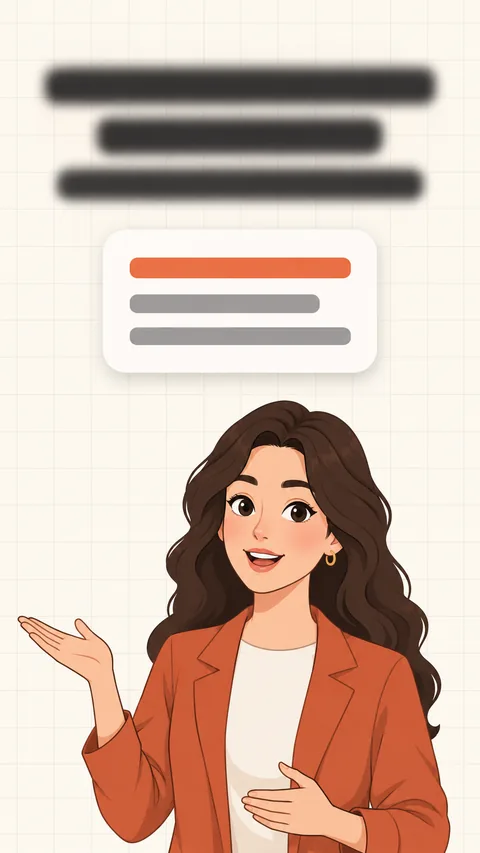
Explainer cards
A headline that builds, chapters and a motion-graphic card for every line. For lessons, lists and how-tos, with a cartoon presenter if you want one.

Illustrated story
A full-screen drawing for every beat, like a motion comic, with the same characters throughout and captions over the picture. Pick the drawing style: anime, comic book, storybook, noir ink, cinematic or clay.

Sketch board
A sheet of paper that fills with hand-drawn notes as the voice goes: highlighter, tags, numbers, the thing you ruled out struck through. For one idea built step by step.
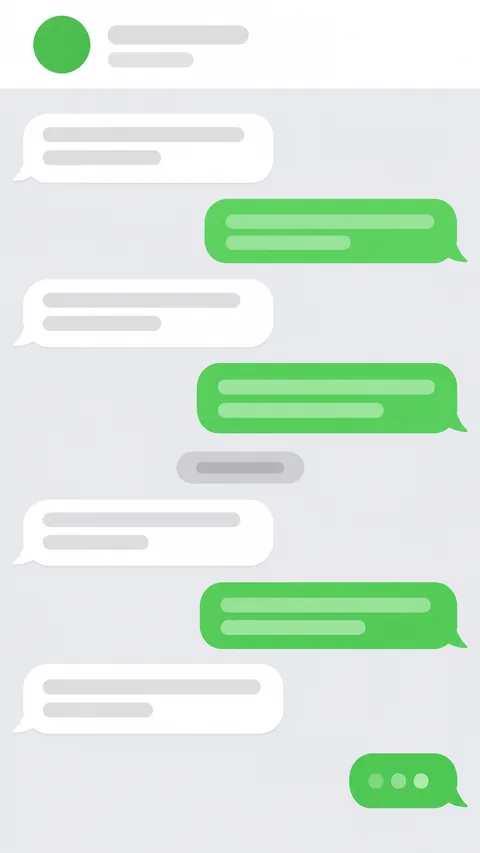
Chat story
The script plays out as text messages arriving one by one, with typing dots before each. For drama, confessions and “guess what happened”.
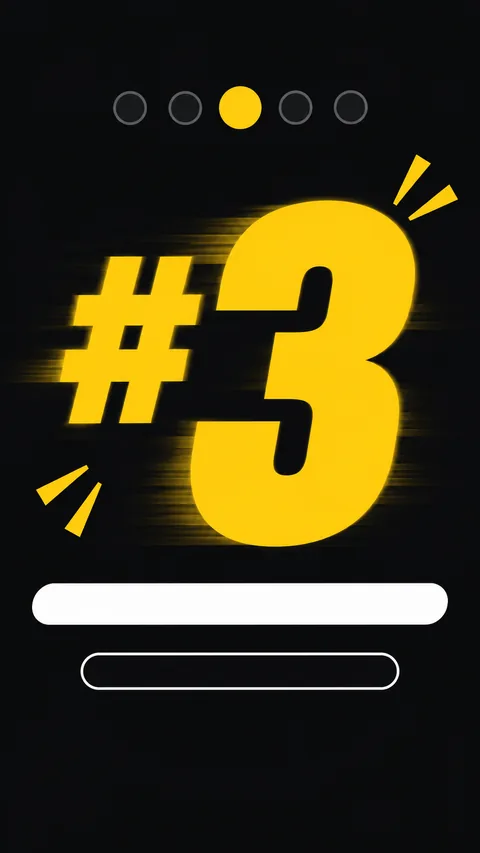
Countdown
A “top 5” told item by item, the rank huge and a strip marking the ones done — or a quiz with a timer and the answer revealed.
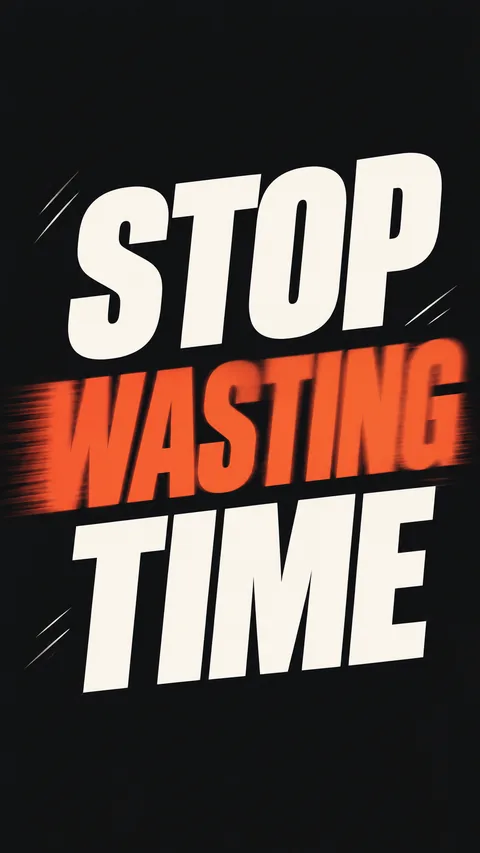
Kinetic type
Only the words, filling the screen a phrase at a time, the strongest ones biggest and pulsing on the beat. For bold statements and quotes.
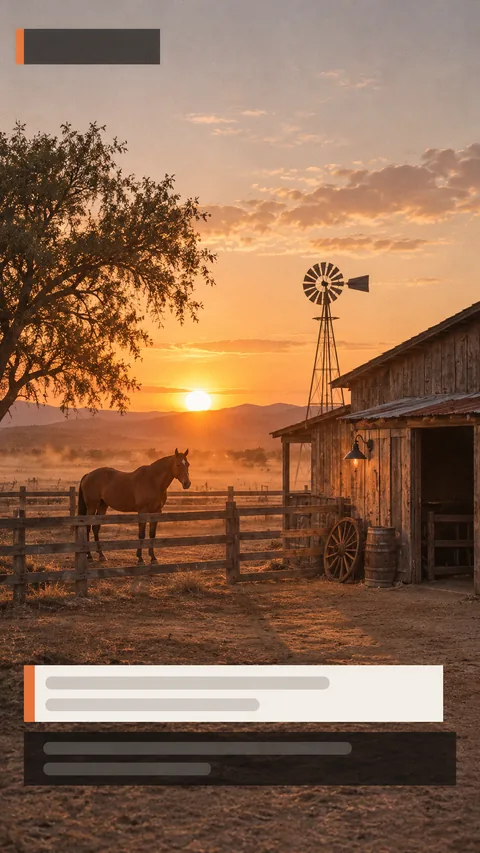
Documentary
Photographs under a slow camera, place-and-date stamps, name straps and pull quotes, with TV subtitles. For history and true stories.
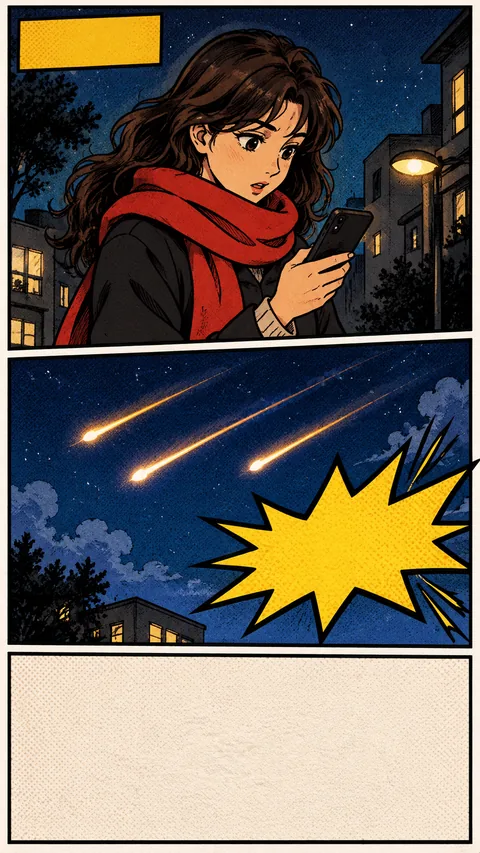
Comic
Drawn panels laid out as comic pages, with speech bubbles, caption boxes and sound effects, the camera moving panel to panel.
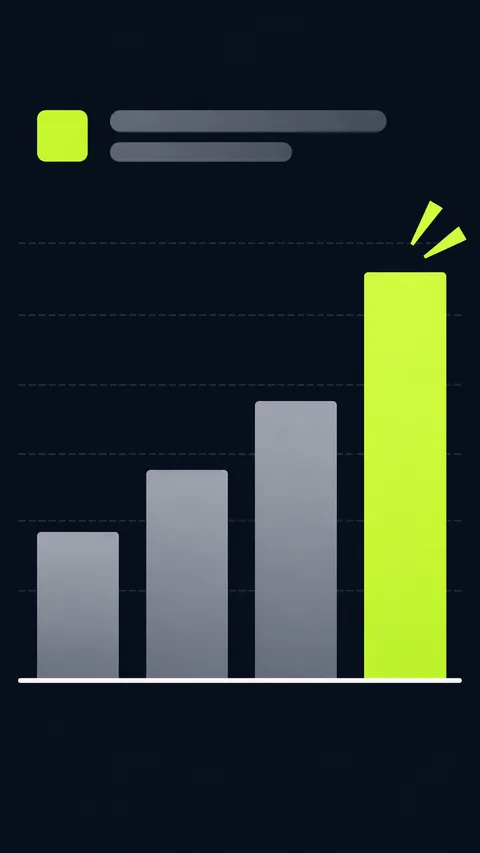
Data story
Every figure you say becomes a chart filling the screen: numbers counting up, bars, lines, donuts and before/after.
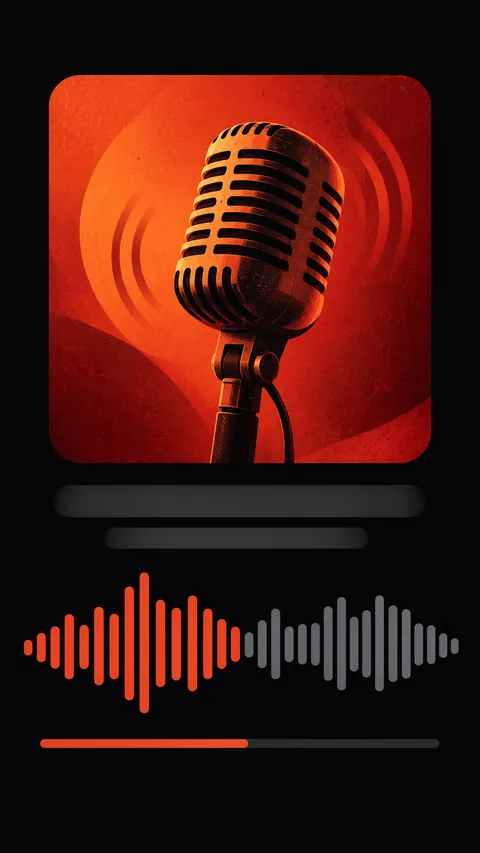
Audiogram
A podcast-style clip: a cover, a waveform moving with the voice, the time and karaoke captions.
What every narrated reel is made of
The voice
A natural AI voice reads your script, in the voice you pick. It speaks most major languages, and with an expressive voice model you can set the mood with tags like [excited] or [whispers].
The sentence, building
What is being said appears large at the top, each word lighting up as it is spoken, with the key words in your accent colour. It replaces captions.
Chapters
A strip names each part of the video — // 01 — the hook, // 02 — the myth — so viewers always know where they are.
A card for every line
Numbers count up, comparisons split in two, lists tick themselves off, a prompt types itself into a terminal. The AI picks the card that shows each line.
Your presenter
A cartoon character drawn once in six poses — from a description or a photo of you — that reacts to the script: pointing, thinking, amazed, cheering.
Pictures and music
Drawn illustrations for the things you name, background music, and a paper or night look. Change any of it in the editor afterwards.
An example, second by second
A 30-second myth-buster, the kind of explainer that does well on Reels and TikTok. You write the words; the voice, the cards and the presenter’s reactions are made for you.
“Your reels don’t stall because of the algorithm.”
Chapter // 01 — the hook. The sentence builds at the top; the presenter points at it.
“Myth one: you have to post every day.”
Chapter // 02 — myth one. A quote card; the presenter strokes their chin.
“Three good posts a week beat seven rushed ones.”
A versus card: 7 rushed on the left, 3 good on the right, the right side winning.
“Myth two: you need fancy edits. You need a hook, one idea and a clear ask.”
A checklist card ticks off hook, one idea, clear ask.
“Myth three: you need a camera. This video didn’t use one.”
A reaction sticker slams in — “Wait, what??” — and the presenter’s jaw drops.
“Comment START and I’ll send you the checklist.”
A call-to-action card types START into a comment box; the presenter cheers.
Three steps
-
01
Write the script
Write it yourself, or have SpliceReel write one from your idea in Scripts. A minute of video is about 150 words.
-
02
Pick a voice and a look
Choose the voice, your presenter (or none), paper or night, and whether to draw illustrations. You see the full price before anything starts.
-
03
Check it and export
The first cut is ready in a couple of minutes. Change any card, ask the AI chat for edits, then export the MP4 for Reels, TikTok and Shorts.
What it costs
- The AI voice: 1 credit per 1,000 characters (about a minute)
- The edit: 1 credit per minute of video, like any video
- Illustrations, if you want them: 1 credit per video
- A presenter: 4 credits, once — reused in every video
Narrated videos use bought credits — the free sign-up credits are for editing your own footage. If the voice cannot be made, nothing is charged. Pricing →
Questions
Do I need to record anything?
No. You write the script and an AI voice reads it. There is no camera and no microphone involved.
Can I use my own voice?
For your own voice, record yourself on the SpliceReel teleprompter and edit the take as a normal video. Narrated videos use the AI voices offered in Scripts.
What languages does the voice speak?
Most major languages, including English, French, Spanish, German, Portuguese, Italian and Arabic. Write the script in the language you want to hear.
What is a presenter, and do I need one?
A cartoon character that stands at the bottom of the frame and reacts to what is said. It is optional: without one, the cards and the headline carry the video. You make a presenter once and use it in every narrated video.
Can I change the video afterwards?
Yes. It opens in the same editor as any video: change the cards, the look and the music, move the presenter, or ask the AI chat for changes. To change the words, edit the script and narrate it again.
Can I post it anywhere?
Yes. You export a vertical MP4 that you can post to Reels, TikTok, Shorts or anywhere else.
Make your first narrated reel
Write a script, pick a voice, and watch the first cut appear.