
Know what to say. Then say it once.
Describe your idea and SpliceReel writes the script for a short video: a hook that stops the scroll, one idea per paragraph, a clear call to action. Read it from the teleprompter while your camera records, and the take goes straight into the editor — pauses cut, captions written.
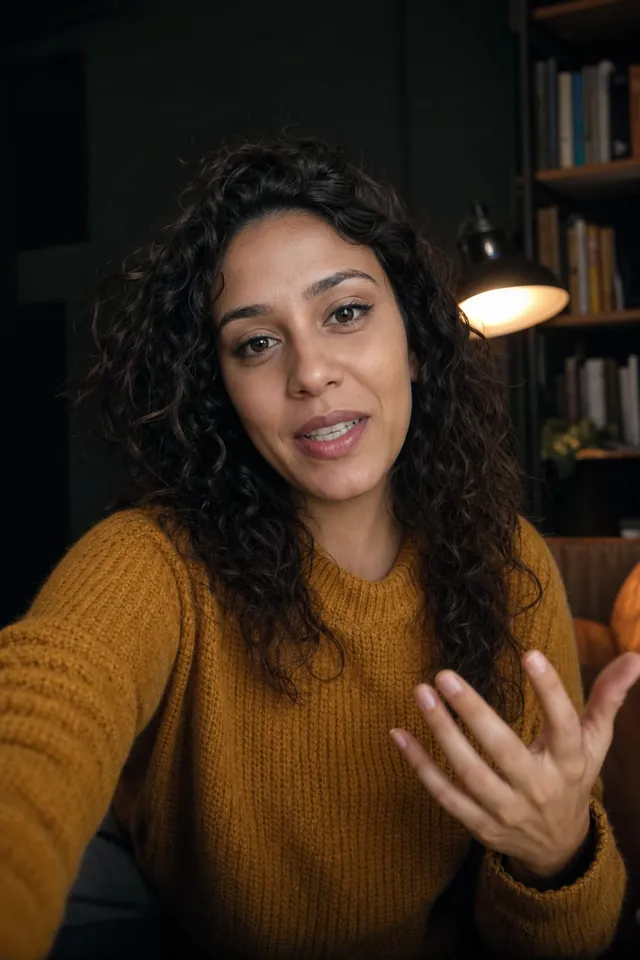
From an idea to a finished reel
-
01
Describe the idea
One or two sentences on what the video is about, who it is for (optional), a length from 15 to 90 seconds, a tone and a language.
-
02
Get a script built to be said
A title, a hook for the first seconds, short paragraphs with one idea each, and a call to action. Edit any word, or have it rewritten for the voice.
-
03
Read it on the teleprompter
Your camera opens full screen with the script scrolling near the lens, at the speed and size you choose. Press record, read, stop.
-
04
Edit the take in one tap
The recording goes straight into a new video: SpliceReel cuts the pauses, writes the captions and adds scenes and music, then opens the editor.
A writer that knows short video
A hook first
Every script opens with one line, under twenty words, written to stop someone scrolling — the three seconds that decide the rest.
The length you ask for
15, 30, 45, 60 or 90 seconds. A live word count tells you how long it takes to say, so you never run over.
Five tones
Direct, friendly, funny, expert or told as a story — the same facts, said the way your audience listens.
Any language
Write the idea in your language and the script comes back in it — or choose the language yourself.
Rewritten for the voice
Pasted a blog paragraph? “Rewrite for voice” turns writing meant to be read into lines meant to be said: questions, short sentences, pauses.
Yours to edit
Every script is saved in your account. Change a word, write your own from a blank page, and come back to it whenever you record.
A teleprompter that records
No second app, no phone stand trick, no file to move afterwards.
Text by the lens
The script scrolls at the top of the screen, close to the camera, so your eyes stay on the viewer.
Your speed, your size
Set the words per minute and the text size; nudge it with the arrow keys or a scroll, pause with the space bar.
Mirror mode
Flip the text for a beam-splitter prompter glass.
Records in the browser
Camera and microphone are recorded on your device. Watch the take, record again, download it — nothing is uploaded until you choose to edit it.
Rather not be on camera?
The same script can be read by an AI voice instead. SpliceReel draws the video around the words — explainer cards, an illustrated story, a sketch board, a chat story — with no camera at all.
What it costs
A written script costs 1 credit.
Writing your own, the teleprompter and recording are always free. Editing the take is priced like any video: 1 credit for each started 60 seconds, shown before it starts. Pricing →
Questions about scripts
What does the AI script writer write?
A script for a vertical short video: a title, a hook for the first seconds, the body in short paragraphs with one idea each, and a call to action. No stage directions, headings or emoji — only what you will say.
How long can a script be?
You choose 15, 30, 45, 60 or 90 seconds. The editor shows the word count and about how many seconds it takes to say as you change it.
Does the teleprompter work on a phone?
Yes. It runs in a recent Chrome, Edge, Firefox or Safari on a computer or a phone, using the camera and microphone you allow in the browser.
Is my recording uploaded?
Not while you record. The take stays on your device; you can watch it, record again or download it. It is uploaded only when you press “Edit this take”.
Can I use my own script?
Yes. Start from a blank page or paste one in. Writing your own and recording it are free; only AI writing and rewriting use credits.
Can I write scripts from Claude or ChatGPT?
Yes. Connect SpliceReel to your AI assistant and ask for a script; it is saved to your account with a teleprompter link to record it.
Your next video starts with one line.
Describe the idea. Read the script. Get the reel.